
How to Connect AI Agents to Business Systems With Controlled Access
An AI assistant becomes more useful when it can work with the information your business already holds. That connection also deserves careful planning: which systems belong in the workflow, what should people review, and how will the team know the process works? Connecting AI agents to business systems starts with those decisions. A clear scope gives developers something concrete to build and gives the people using it a way to judge the result. Begin with the work you want to improve, then map the connections it actually needs.
Define the Workflow Before Connecting Systems
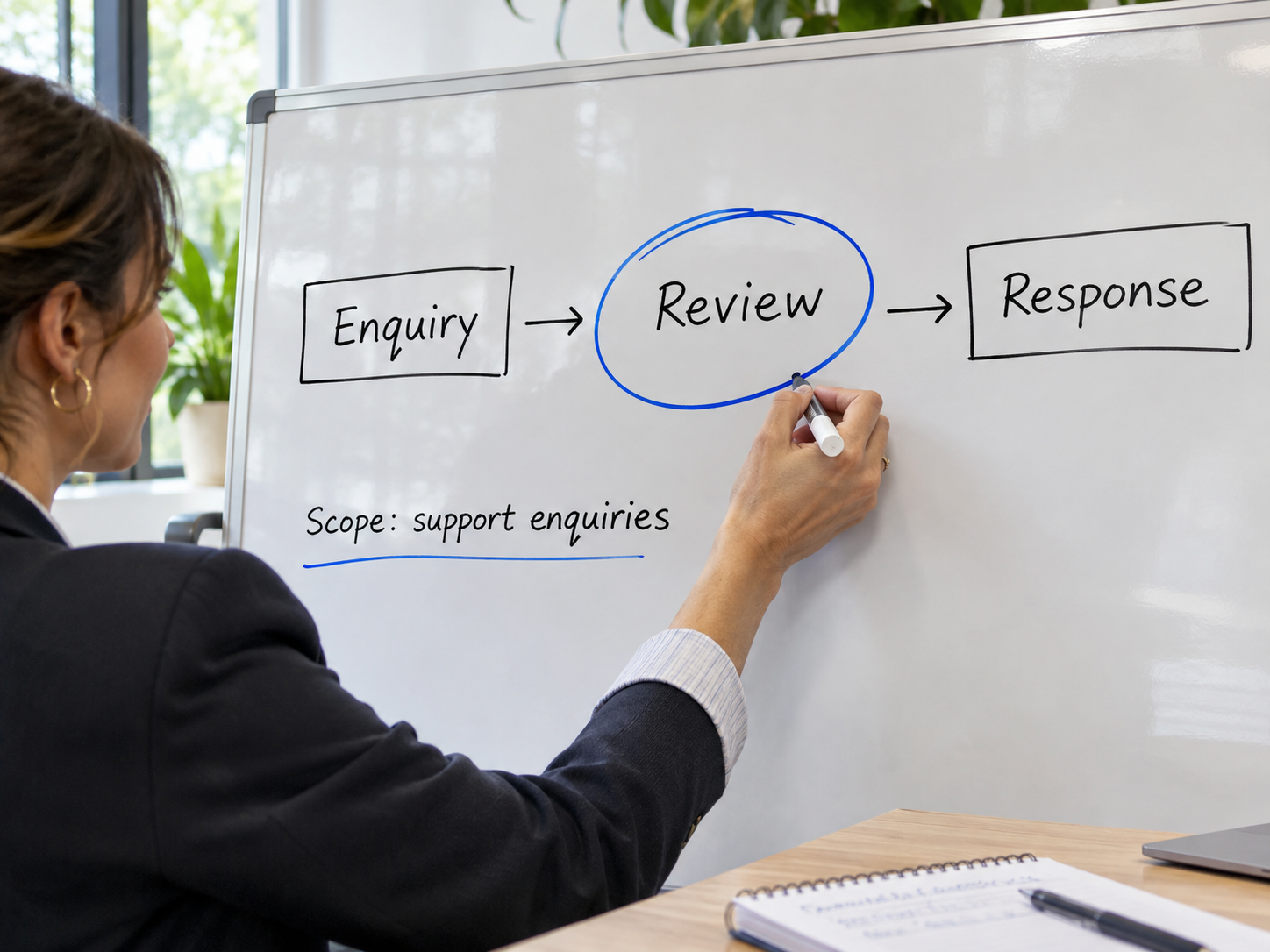
Choose a specific activity, such as routing an enquiry, preparing a report or supporting a service team. Describe where it begins, which information it uses and what a satisfactory outcome looks like. A narrow description makes it easier to see whether an assistant needs another connection or whether the process itself needs clarification.
At Burst Online, we map systems, data flows, risks and dependencies before development begins. This architecture work gives the project a shared starting point. It also helps separate the first useful workflow from ideas that can wait for a later phase.
Agree on the task before expanding the assistant's reach. Keep the initial brief understandable to the team that will operate it, including the points where people remain responsible for a decision.
Map the Business Data and Its Route
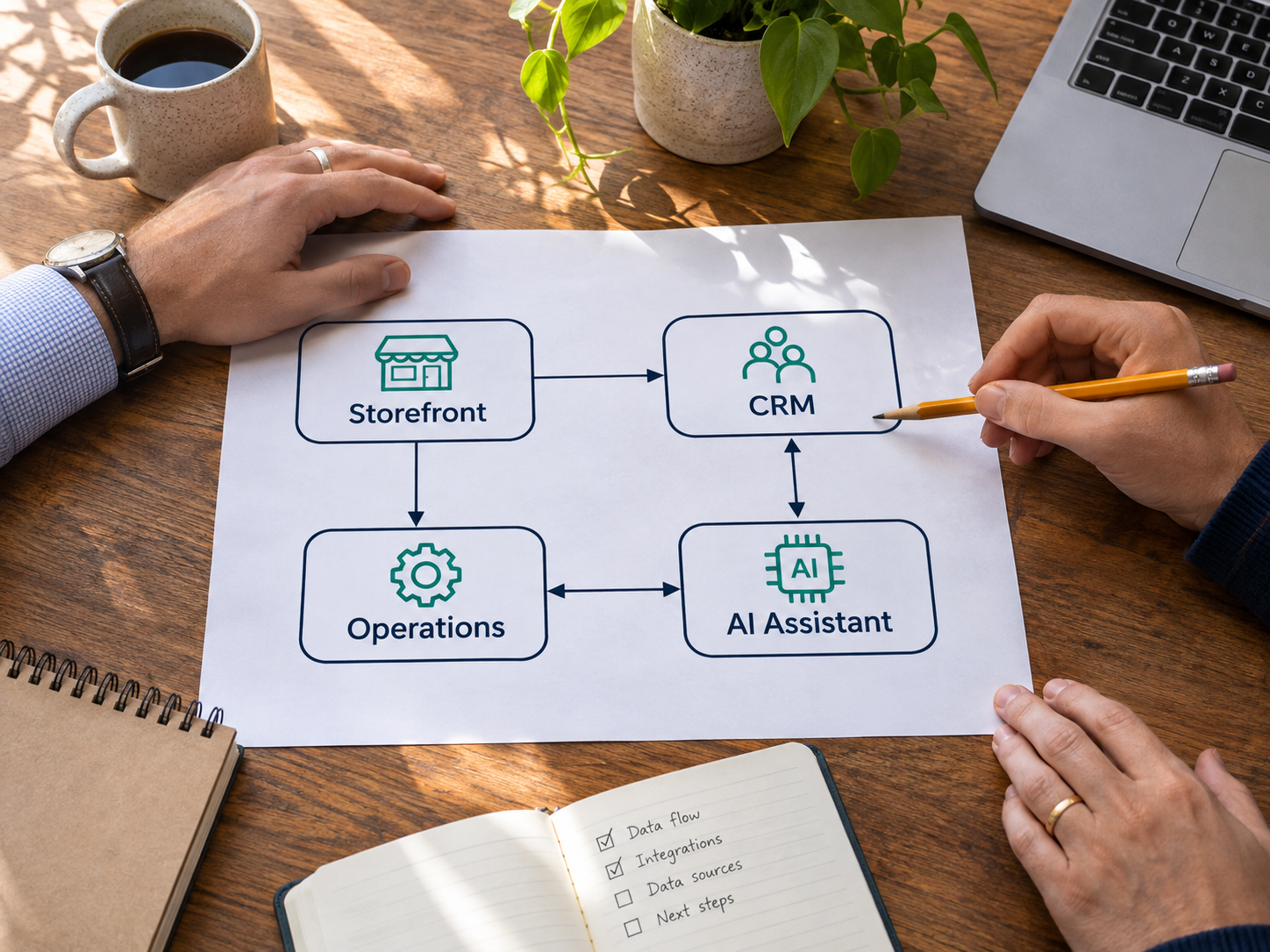
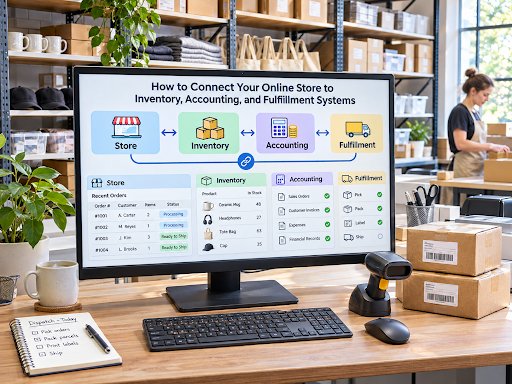
Business information often sits across a storefront, customer-management system and operational tools. Mapping the route between them helps explain where an assistant fits. Identify the system involved at each step and the information the workflow needs from it.
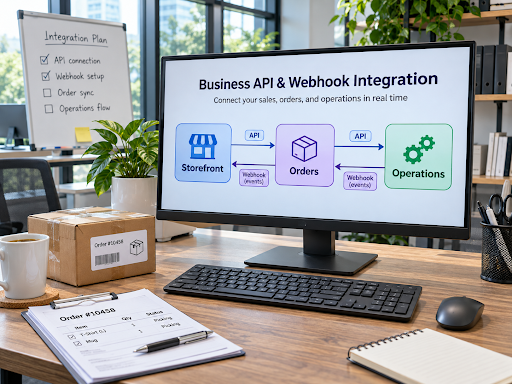
Our integration work covers business systems including CRM, ERP and accounting, alongside data services and custom backends. REST and webhook integrations are part of that work. The appropriate connection depends on the systems and requirements identified during discovery; one connection pattern will not suit every project.
Use the map to review the scope with the people who manage those systems. The aim is a clear account of what connects to what, with dependencies visible before the team starts building.
Keep Human Review in the Workflow

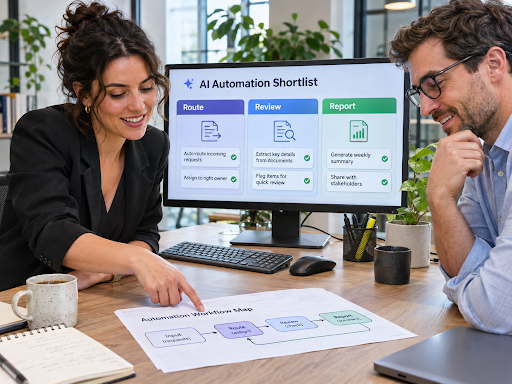
An assistant can support a team while people retain a defined review role. Our AI workflow services include human-in-the-loop review systems. Discuss where that review belongs while planning the workflow, so it becomes part of the design rather than an informal habit added after launch.
The review should relate to the task. A support workflow and an internal reporting workflow may require different checks. Establish who reviews the output, what they need to see and what happens when the work needs further attention.
This article outlines planning considerations. The exact access permissions and technical controls need a project-specific design and review.
Test the Connection in Manageable Phases
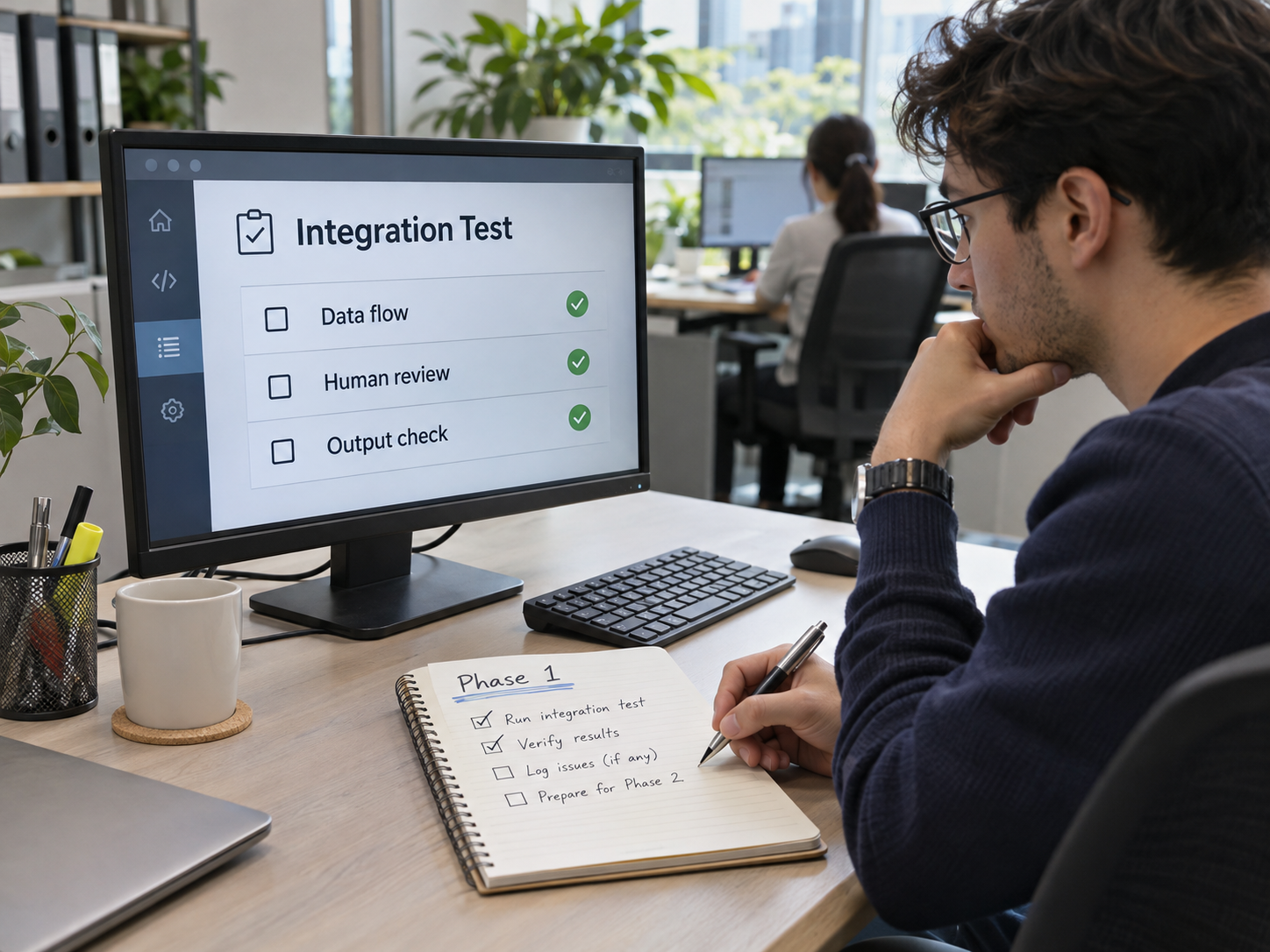
A working connection still needs quality assurance within the workflow people will use. Our delivery process moves through design, development, integration and QA before phased launch. That gives the team opportunities to assess the work as it develops.
Keep each phase tied to the agreed scope. Review the data flow, the assistant's output and the handoff to a person. Record what needs adjustment before widening the process to more systems or tasks.
Useful questions for a phase review include:
- Does the workflow follow the agreed system and data map?
- Can the responsible team review the output at the intended point?
- What needs correction before the next phase begins?
Plan for Ownership and Ongoing Review

The connection needs attention after launch. Our operating model includes maintenance, QA, reporting and optimization. Build those activities into the discussion early so the project has an owner beyond its initial delivery.
A technical audit can review systems, data and constraints alongside security and maintenance considerations. For an AI integration, that review helps frame the work still required. It does not replace an implementation-specific assessment of access controls.
Measure the outcome against the purpose agreed at the start. If the project aims to improve reporting or workflow efficiency, keep that purpose visible during review. Use what the team learns to decide whether to refine the current process or extend its scope.
Frequently Asked Questions
Where Should an AI Integration Project Begin?
Start with a defined workflow and an audit of the relevant systems, data and constraints. Use that information to map the connections and plan delivery.
Can People Stay Involved in an AI Workflow?
Yes. Human-in-the-loop review forms part of Burst Online's AI workflow services. Agree on the review points and responsibilities for the particular project.
Does Every Project Need the Same Connections?
No. The systems, dependencies and workflow determine the integration scope. Choose connections during architecture planning rather than assuming a standard set fits every business.
Final Takeaway
Controlled access begins with a well-defined brief and continues through implementation and review. Identify the task, map the business information it needs and decide where a person should remain involved. Our business systems integration work follows that architecture-first approach, with QA and phased delivery supporting the build. Keep the scope manageable enough to evaluate, and agree on maintenance and ownership before launch. The technical permissions require their own project-specific design, but a clear workflow gives that work a useful foundation. It also helps your team judge whether the assistant improves the process it was created to support.
Note: This article provides general information about digital marketing, websites and AI-enabled services. Recommendations and outcomes depend on your goals, audience, data and systems. Visit Burst Online to discuss guidance suited to your business.

Member discussion