If you’re planning to switch to a more affordable mobile provider in Australia, one of the most common questions is: Can Amaysim SIMs work on Optus network phones? The simple answer is yes, in most cases they work perfectly. However, there are a few important factors you should understand to ensure smooth compatibility and performance.
Understanding Amaysim and Optus
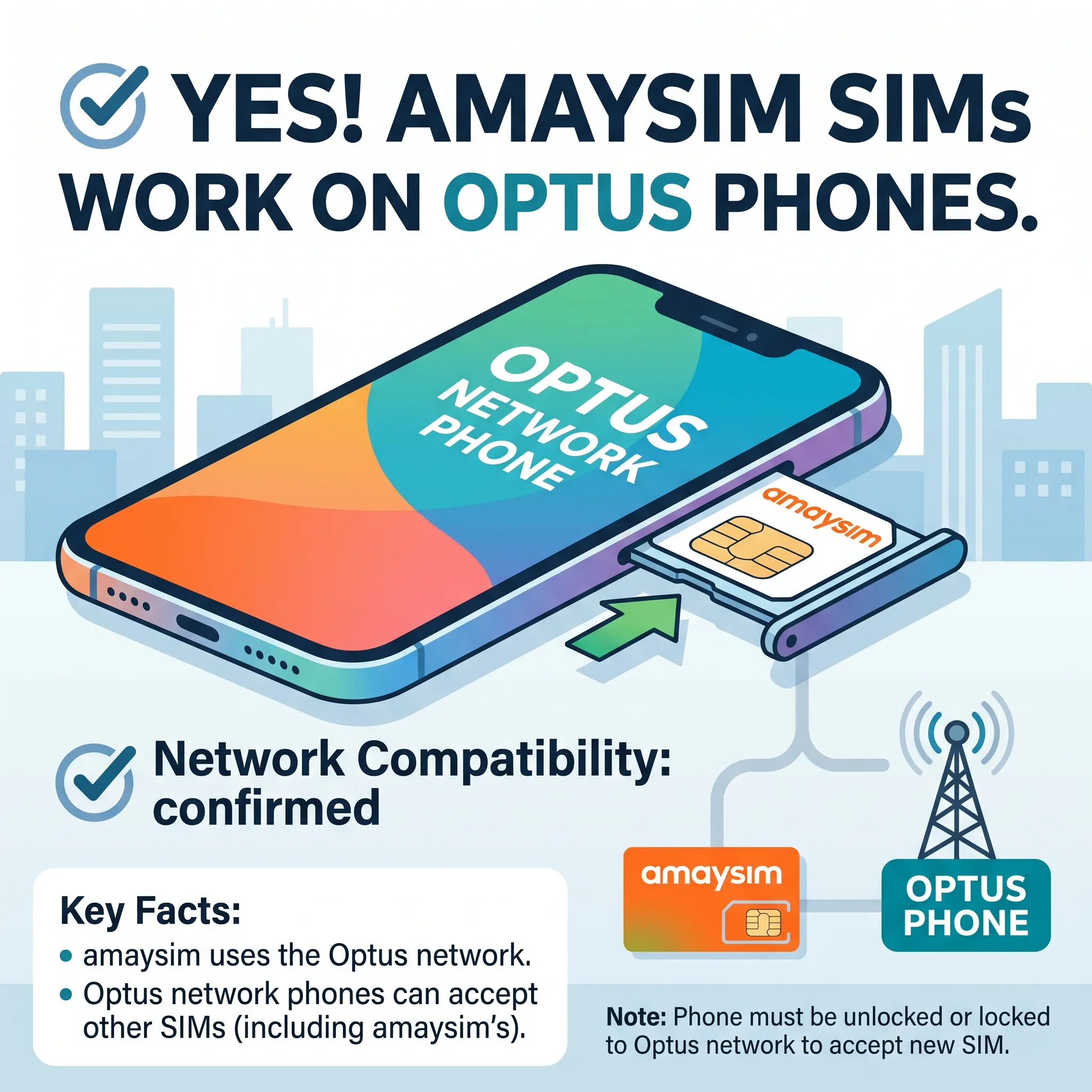
Amaysim is a mobile virtual network operator (MVNO), which means it does not own its own network infrastructure. Instead, it operates using the network of Optus, one of the largest telecom providers in Australia.
Because Amaysim uses the Optus network, it offers similar coverage, call quality, and data speeds. This shared infrastructure is the key reason why Amaysim SIM cards are generally compatible with Optus phones.
Do Amaysim SIMs Work on Optus Phones?
✔️ Yes, They Do
In most situations, an Amaysim SIM will work seamlessly in a phone designed for the Optus network. This includes both:
- Phones that are unlocked
- Phones that are locked specifically to Optus
Since both services run on the same network, the device does not see Amaysim as a “foreign” carrier.
Why Compatibility is So High
There are several reasons why Amaysim SIMs work well in Optus phones:
1. Shared Network Infrastructure
Amaysim operates entirely on Optus towers, meaning the network signals, frequencies, and coverage areas are identical.
2. Same Frequency Bands
Optus uses common Australian 4G and 5G bands such as:
- Band 28 (700 MHz)
- Band 3 (1800 MHz)
- Band 1 (2100 MHz)
- Band 7 (2600 MHz)
Most Optus phones are already optimized for these bands, ensuring smooth performance with Amaysim SIMs.
3. No Network Conflict
Because Amaysim is essentially a service layer on top of Optus, there is no conflict when inserting the SIM into an Optus-supported device.
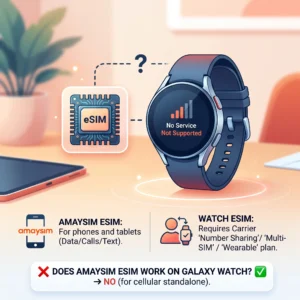
Also read: Can amaysim esim work on galaxy watch?
Important Factors to Check
Even though compatibility is generally excellent, you should still verify a few things before using an Amaysim SIM in your Optus phone.
1. Lock Status of Your Phone
This is the most important factor.
- Unlocked Phone:
Works with Amaysim and any other network - Optus-Locked Phone:
Works perfectly with Amaysim - Locked to Another Carrier (e.g., Vodafone or Telstra):
Will NOT work unless unlocked
If your phone is locked to a different network, you’ll need to request an unlock code from your carrier.
2. 4G and VoLTE Support
Australia has phased out older 3G networks, so your phone must support:
- 4G LTE connectivity
- VoLTE (Voice over LTE) for calls
Without VoLTE, your phone may struggle to make calls or connect properly, even if the SIM is recognized.
3. Device Compatibility
Most modern smartphones will work without any issues, including:
- iPhones (iPhone 6 and newer)
- Samsung Galaxy devices
- Google Pixel phones
However, older or imported devices may not support all the required Australian network bands.
4. SIM Card Size
Amaysim provides SIM cards in all standard sizes:
- Nano SIM (most modern phones)
- Micro SIM
- Standard SIM
Make sure you’re using the correct size for your device.
When It Might Not Work
Although rare, there are a few situations where an Amaysim SIM may not function properly in an Optus phone.
❌ Older 3G-Only Phones
Devices that rely only on 3G networks will not work anymore in Australia.
❌ International Variants
Some phones purchased overseas may lack support for key Australian frequency bands like Band 28.
❌ Non-VoLTE Devices
Phones without VoLTE may face issues with calls and network connectivity.
Benefits of Using Amaysim on an Optus Phone
Switching to Amaysim while using an Optus-compatible phone offers several advantages:
💰 Cost Savings
Amaysim plans are typically cheaper than traditional Optus plans.
🔄 Flexibility
No lock-in contracts—perfect for users who want freedom.
📶 Reliable Coverage
Since it uses the Optus network, you get strong nationwide coverage.
⚡ Easy Setup
Simply insert the SIM, activate it, and you’re ready to go.
How to Set Up Amaysim SIM on an Optus Phone
Getting started is quick and easy:
- Purchase an Amaysim SIM card
- Insert it into your phone
- Turn on your device
- Follow activation steps
- Wait for network connection
In most cases, settings like APN will be configured automatically.
Final Verdict
So, can Amaysim SIMs work on Optus network phones?
👉 Yes, absolutely.
As long as your phone is either unlocked or locked to Optus, and supports modern 4G/VoLTE features, you can expect smooth performance with an Amaysim SIM.
This compatibility makes Amaysim an excellent choice for users who want to enjoy Optus-level coverage at a more affordable price.