In the modern digital landscape, convenience and security are paramount when managing personal finances. For many Amaysim customers, the ability to pay for mobile plans using trusted third-party payment platforms is not just a preference—it is a necessity.
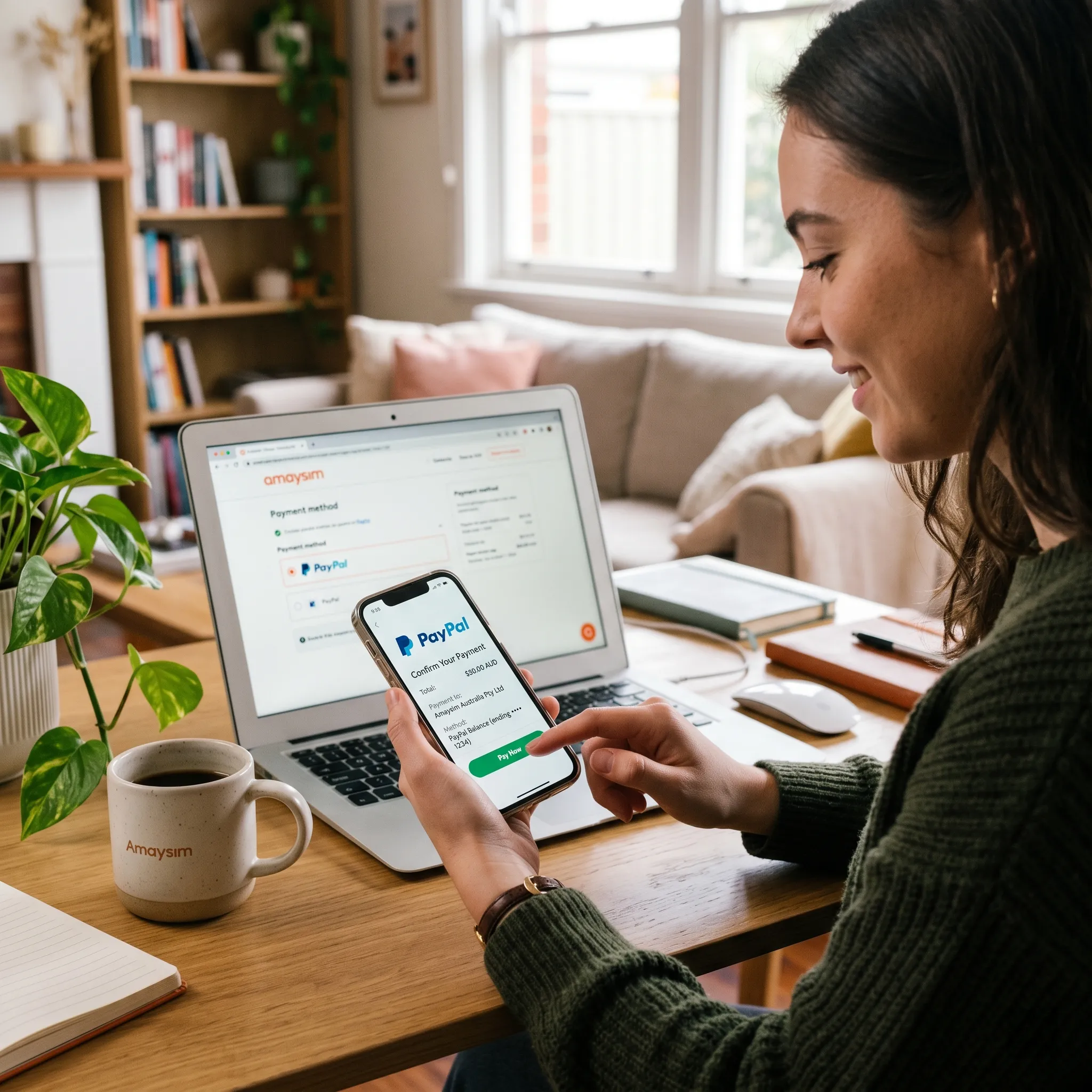
If you are wondering, “Can I make payments to Amaysim through PayPal?” the answer is a resounding yes. Amaysim is well-integrated with digital wallet services, and PayPal is one of the supported, highly recommended payment methods. Whether you are a new customer signing up for the first time or an existing user looking to streamline your monthly billing, using PayPal offers a seamless, secure, and stress-free way to keep your mobile service active.
In this guide, we will walk you through why PayPal is an excellent choice for your Amaysim account, how to set it up, and the long-term benefits of automating your payments.
Why Choose PayPal for Your Amaysim Payments?
There are several compelling reasons to opt for PayPal over traditional credit or debit card entries:
-
Enhanced Security: When you link your PayPal account, you are not sharing your bank or card details directly with the service provider’s payment gateway. This adds an extra layer of privacy and security to your transactions.
-
Convenience: Once your PayPal account is linked, you don’t need to hunt for your wallet to find your credit card numbers every time you need to make a payment or top up your credit.
-
Auto-Recharge Capability: This is perhaps the greatest benefit. By linking PayPal, you can enable auto-recharge. This ensures your plan renews automatically at the end of every cycle, preventing service interruptions, unexpected data cut-offs, or the need to manually manage vouchers.
-
Transaction History: PayPal keeps a clear, centralized record of all your subscription payments, making it easier to track your telecommunications expenses for budgeting purposes.
Also read: Can i listen to my voicemail without credit amaysim?
How to Set Up PayPal Using the Amaysim App
The Amaysim app is the fastest way to manage your mobile plan. Follow these simple steps to link your PayPal account directly from your smartphone:
-
Open the App: Launch the official Amaysim app on your iOS or Android device.
-
Navigate to Plan Management: From the home screen, swipe up to access the “Manage your plan” section.
-
Update Payment Method: Tap on the option labeled “Change your payment method.”
-
Select PayPal: Choose “Use PayPal” from the list of available options.
-
Authorize: You will be automatically redirected to the secure PayPal login portal. Log in with your credentials, review the billing agreement, and select “Agree and Continue.”
-
Confirmation: Once finished, you will be redirected back to the Amaysim app, confirming that your PayPal account is now linked as your primary payment method.
How to Set Up PayPal via the My Amaysim Website
If you prefer managing your account from a desktop computer or if you are currently away from your phone, you can handle the setup through the My Amaysim portal:
-
Log In: Visit the official Amaysim website and log in to your My Amaysim account.
-
Access Settings: Navigate to the “Settings” menu located in your account dashboard.
-
Manage Payments: Click on “Payment details” from the list of available settings.
-
Link PayPal: Look for the section titled “Set up PayPal” and click the button to “Use PayPal.”
-
Complete Authentication: Similar to the app process, you will be prompted to log in to your PayPal account to authorize the transaction. After you confirm, you will be returned to the Amaysim dashboard with your payment method successfully updated.
Understanding Auto-Recharge
While you can use PayPal for one-off payments, the true power of this integration lies in Auto-Recharge.
Mobile plans with Amaysim typically operate on a 28-day cycle. If you forget to recharge manually, you risk losing access to data, calls, and SMS. When you link PayPal to your account, you are essentially setting up a recurring billing agreement.
On the final day of your renewal cycle, Amaysim will automatically attempt to charge your linked PayPal account for the cost of your plan. This guarantees your service remains uninterrupted 24/7. It eliminates the “human error” of forgetting a due date and protects you from the inconvenience of having to manually recharge if your credit runs low.
Troubleshooting Common PayPal Issues
Even with digital payment systems, occasional hitches can occur. If your PayPal payment is failing, consider these steps:
-
Check Funds: Ensure your PayPal account has sufficient funds, or that the primary funding source (linked bank account or credit card) is active and has a valid balance.
-
Authorization Expiry: Occasionally, PayPal agreements may need to be re-authorized if there has been a security flag or if the agreement has been inactive for an extended period. Try removing and re-linking the payment method.
-
App Updates: Ensure your Amaysim app is updated to the latest version, as outdated versions may struggle to communicate with the current PayPal API.
If you continue to experience issues, Amaysim’s help center provides robust support, and you can always toggle back to a standard credit or debit card if necessary.
Conclusion
Using PayPal for your Amaysim payments is a smart, secure, and efficient way to manage your mobile expenses. By taking five minutes to link your account today, you secure your connection for the future, ensuring you never have to worry about manual recharges or expired plans again. Whether you are a heavy data user or a casual mobile phone owner, the peace of mind offered by automated PayPal payments is well worth the simple setup process.
Also read: Can amaysim esim work on galaxy watch?