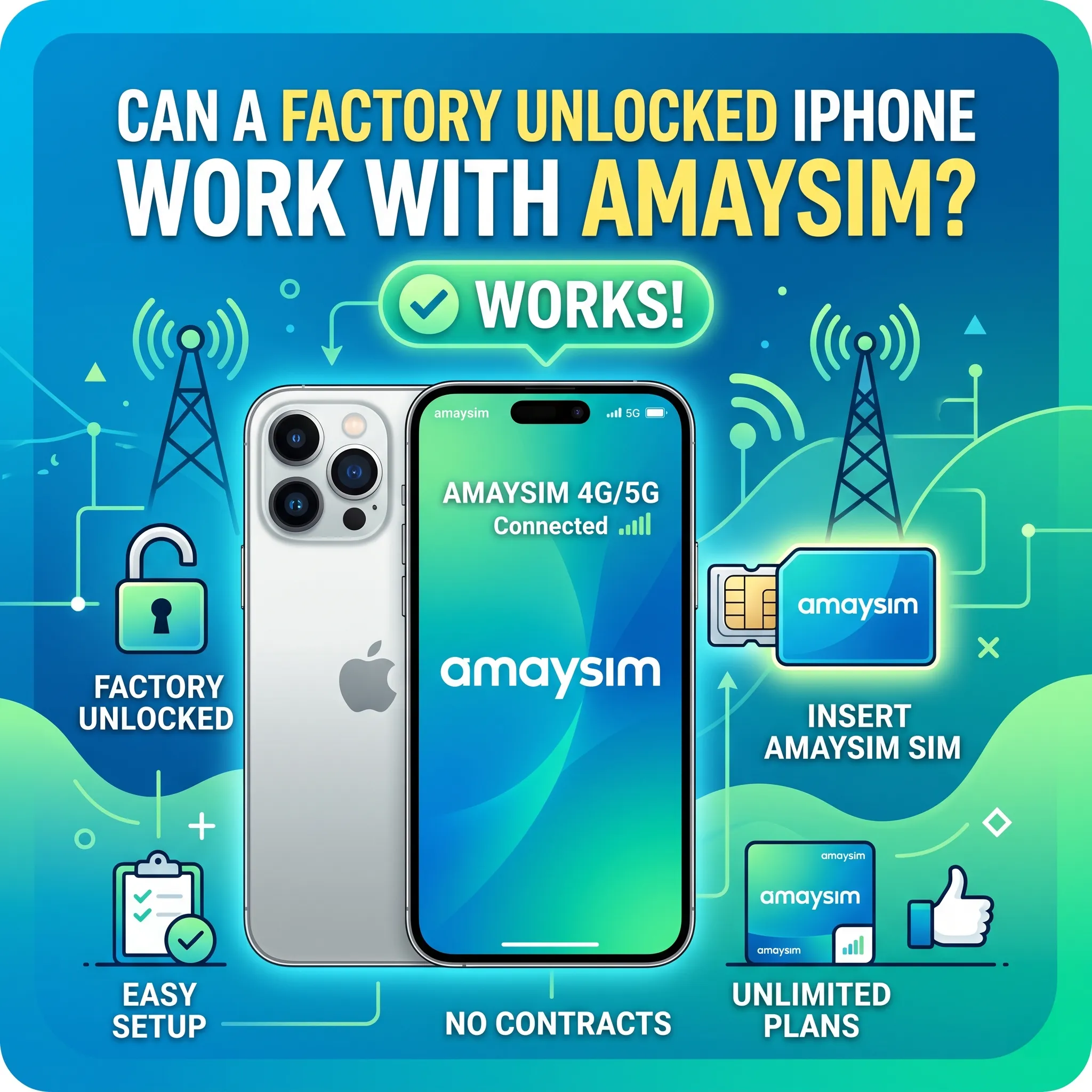
If you’re considering switching to a more affordable mobile plan in Australia, you might be asking: Can a factory unlocked iPhone work with Amaysim? The answer is a clear yes. However, to ensure a seamless experience, it’s important to understand how compatibility, network settings, and device specifications come into play.
What is a Factory Unlocked iPhone?
A factory unlocked iPhone is a device that is not restricted to any specific carrier. This means you can insert a SIM card from any compatible mobile network provider and start using services without needing permission from the original carrier.
iPhones purchased directly from Apple Inc. or authorized resellers are usually factory unlocked. This gives users complete flexibility to choose and switch between different carriers, both locally and internationally.
Understanding Amaysim and Its Network
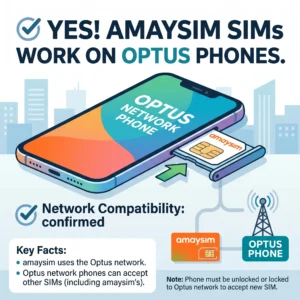
Amaysim is a popular Australian mobile virtual network operator (MVNO) that operates on the infrastructure of Optus. It offers prepaid SIM-only plans, often at lower prices compared to major carriers, making it attractive for budget-conscious users.
Because Amaysim relies on the Optus network, any device that works with Optus will generally work with Amaysim as well.
Compatibility: Will Your iPhone Work?
The good news is that most factory unlocked iPhones are fully compatible with Amaysim. Apple designs iPhones to support a wide range of global network bands, including those used in Australia.
Supported iPhone Models
- iPhone 6 and newer models support 4G LTE bands used by Optus
- iPhone 12 and newer models also support 5G networks
- Older models (iPhone 5 and below) may have limited or no compatibility
If your iPhone is relatively modern and unlocked, you can expect it to work without issues.
Network Bands
Amaysim uses Optus network bands such as:
- 4G LTE: Bands 1, 3, 7, 28
- 5G: Available on newer iPhones (depending on model)
Most factory unlocked iPhones support these bands, but if your device was purchased in another country, it’s worth checking the exact model number for compatibility.
How to Use a Factory Unlocked iPhone with Amaysim
Setting up your unlocked iPhone with Amaysim is simple and usually takes just a few minutes.
Step-by-Step Guide
- Buy an Amaysim SIM Card
You can order it online or purchase it from retail stores. - Insert the SIM Card
Power off your iPhone, insert the SIM, and turn it back on. - Activate the SIM
Follow the instructions provided by Amaysim to activate your plan. - Check Network Connection
Your iPhone should automatically connect to the network. - Configure APN Settings (if required)
In most cases, APN settings are auto-configured. If not, you can manually enter them via mobile data settings.
Also read: My Frustrating Quest to Check My Lebara Data Balance (And How You Can Do It Faster)
Benefits of Using an Unlocked iPhone with Amaysim
Using a factory unlocked iPhone with Amaysim offers several advantages:
1. Flexibility
You can switch carriers anytime without restrictions or penalties.
2. Cost Savings
Amaysim’s prepaid plans are often cheaper than traditional postpaid contracts.
3. International Use
Unlocked iPhones are perfect for travelers who want to use local SIM cards abroad.
4. No Carrier Restrictions
Factory unlocked devices do not come with pre-installed carrier apps or limitations.
Common Issues and Troubleshooting
While most users experience smooth connectivity, occasional issues may arise. Here’s how to handle them:
No Signal or Weak Network
- Restart your iPhone
- Reinsert the SIM card
- Check if you’re in a coverage area
Mobile Data Not Working
- Verify APN settings
- Reset network settings
- Ensure mobile data is enabled
SIM Not Recognized
- Clean the SIM card
- Try the SIM in another device
- Contact Amaysim support if the issue persists
Tips for Best Performance
To get the best experience when using Amaysim with your unlocked iPhone:
- Keep your iPhone updated with the latest iOS version
- Use a compatible SIM size (nano SIM for newer iPhones)
- Ensure your device supports Australian network bands
- Enable VoLTE and 5G (if available on your device)
Final Verdict
So, can a factory unlocked iPhone work with Amaysim? Yes, it works perfectly in most cases. As long as your device supports the required network bands and is genuinely unlocked, you can enjoy reliable service, fast data speeds, and affordable plans.
Switching to Amaysim with a factory unlocked iPhone is a smart and hassle-free choice for anyone looking to save money without compromising on connectivity.
Also read: The Relentless Quest: Can I Actually Use My Lebara SIM in Europe? (A Middle-Class Struggle Story)